Run the trade, not the admin
A workspace for plumbing, HVAC and electrical shops: manage customer requests, schedule jobs, prepare quotes and track invoices. Cloud access and provider integrations require setup; available features depend on your configuration.
Request a walkthrough to confirm cloud access and integration setup.
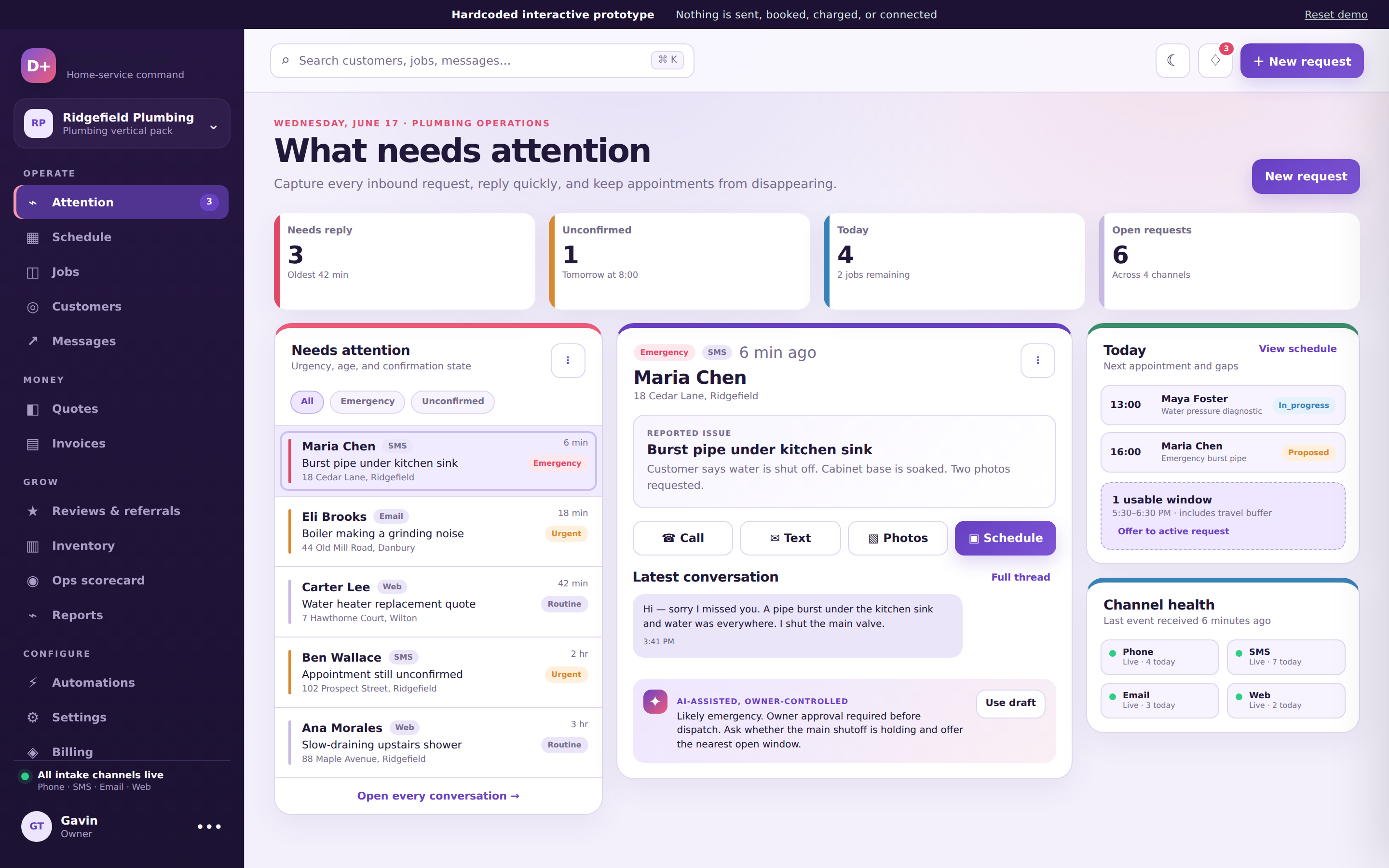
Core tools for a one-van shop
Requests, quotes, jobs and invoices with explicit actions and configuration-dependent delivery. No promise of universal channels or unattended follow-up.
Requests and conversations together
Track requests and customer conversations in one workspace. Cloud intake requires a configured, secret-backed adapter; phone, SMS and mailbox connections are not provisioned by signup.
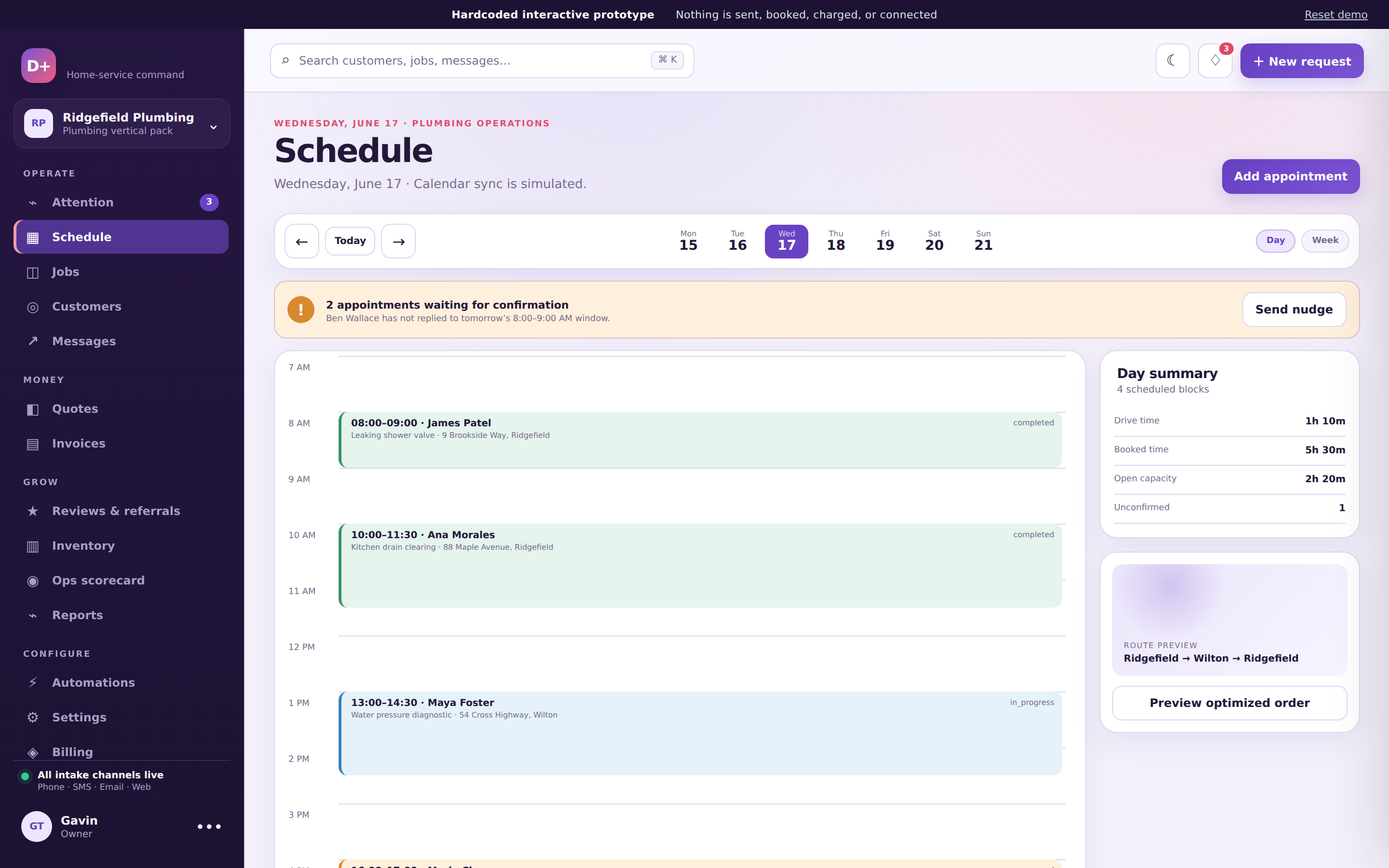
Drag-and-drop scheduling
Arrange appointments on the calendar and check scheduling conflicts. Cloud appointment changes are saved explicitly; external calendar sync and automatic appointment nudges are not included.
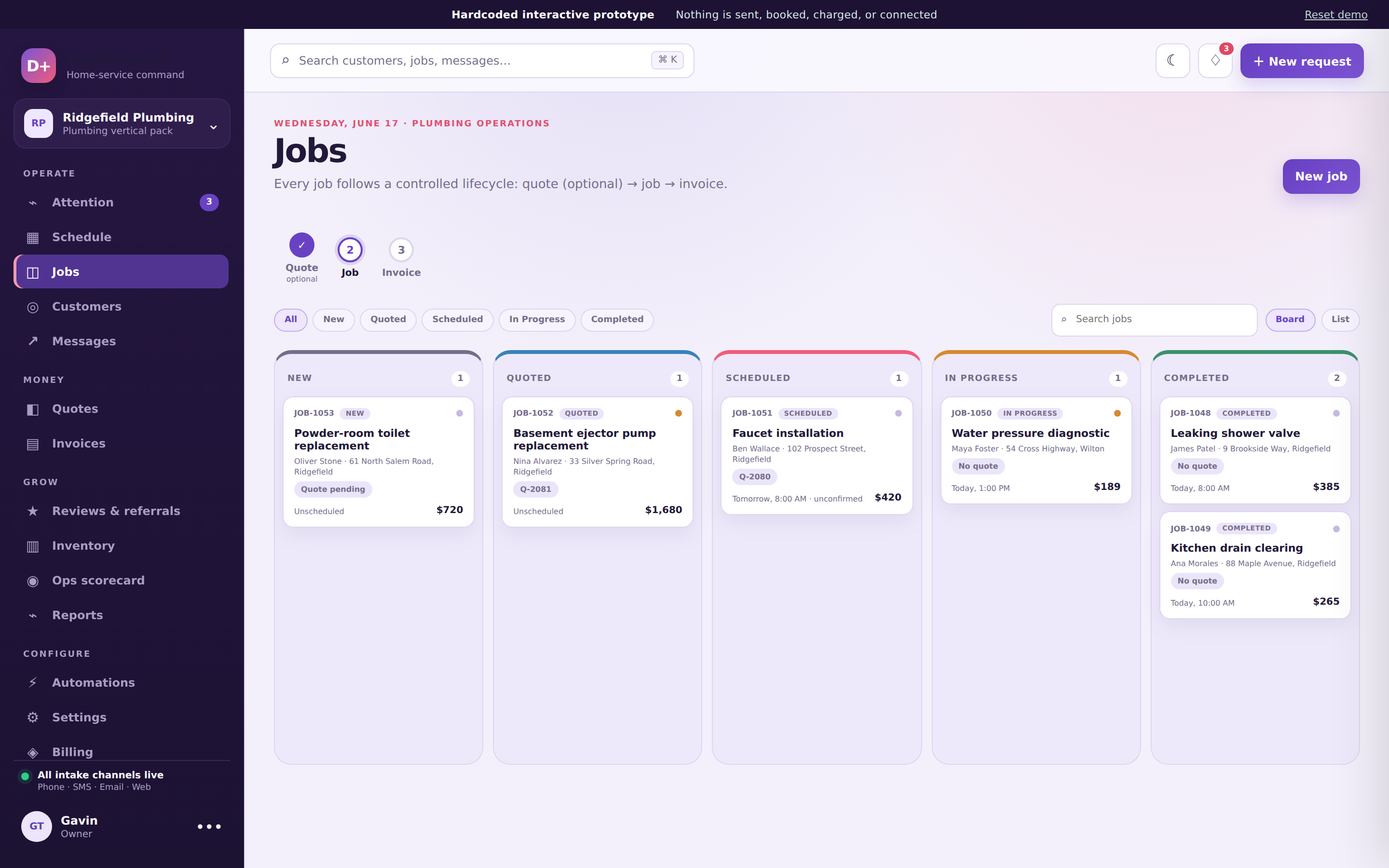
Jobs with lifecycle control
Create jobs, update their status and schedule the work. Convert an accepted quote into a job, then explicitly create an invoice from a completed job.
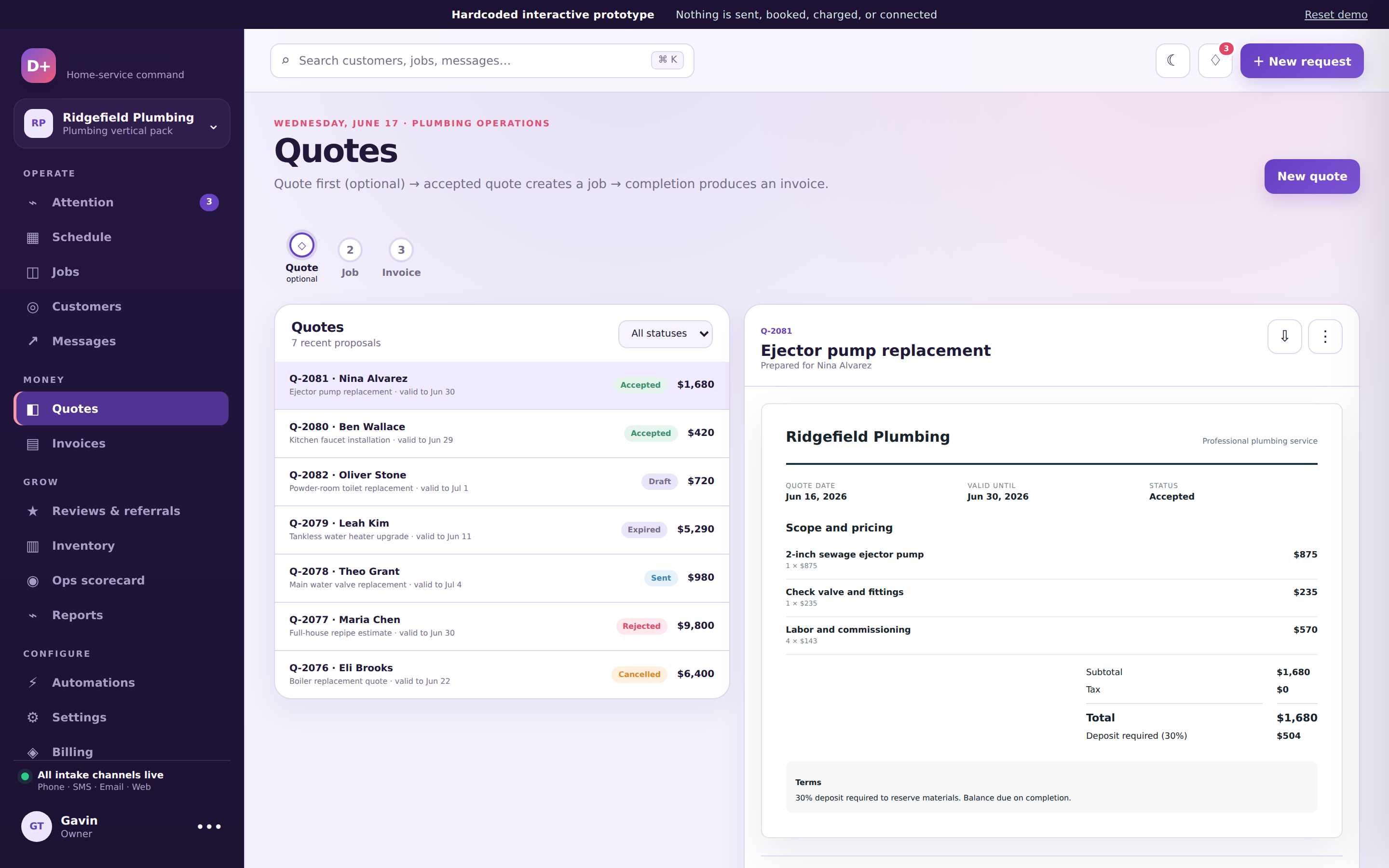
Line-item quotes and acceptance
Build a single-price quote with line items, send a customer acceptance link, and create a job after acceptance. Quote delivery requires configured email; deposit collection is not included.
Invoices and payment tracking
Create and send invoices, track balances, and record cash or check payments. Stripe invoice checkout requires configured credentials and webhook processing; email reminders require configured runners and scheduling.
Private photos and stock records
Attach private photos to requests, quotes, jobs and invoices, with short-lived viewing links for authorized team members. Track truck and materials inventory with explicit stock adjustments, not automatic supplier ordering.
One connected workflow, with you in control
Accept a quote, create the job, then create and send an invoice. These are explicit actions, not automatic PDF generation, receipt delivery or review requests.
Quoteoptional
Build a single-price, line-item quote. With email delivery configured, send an acceptance link; after acceptance, explicitly create the job.
Job
Schedule the visit on the drag-and-drop calendar, track the checklist and timeline on site, upload photos from the field.
Invoice
Create the invoice from a completed job and send it explicitly. Record cash or check payments, or offer Stripe checkout when payment processing is configured.
See it in action
Illustrative product screens; demo data and visible controls do not establish cloud availability.
Book a walkthrough
Talk through your trade, workflow and setup requirements. Confirm available capabilities and commercial terms before requesting access.